My accent confuses most people in Sydney. Claude dictation handles it fine.
A Hard Test for Any Dictation Tool
I'm a Swiss German speaker who has lived in Australia for 13 years. My English has picked up bits of both, and my working vocabulary is full of tech words, product names and acronyms.
That's a tough combination for speech to text. I've tried Windows dictation and Hyper Whisper. Both work, more or less. But Claude's built-in dictation is noticeably better for me.
How to Turn It On
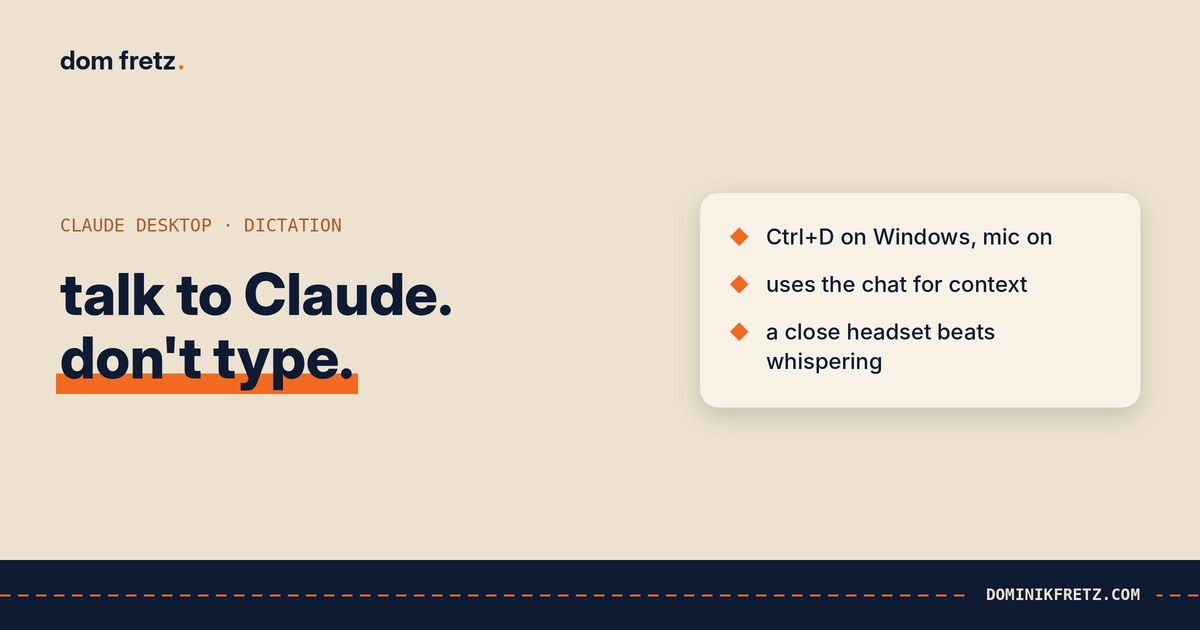
In the Claude desktop app on Windows, it's Ctrl+D. The mic turns on and you start talking.
That's the whole setup.
Why It Works So Well
The big difference is context. Claude's dictation uses the conversation you're in.
Names, projects and jargon from earlier in the chat come out spelled correctly. If I've mentioned a client or a tool a few messages back, it gets it right when I say it again. It also fixes its own mistakes as it goes, so a word it misheard at the start of a sentence often gets corrected by the end.
Generic dictation tools don't have that. They hear sounds and guess words. Claude hears sounds and knows what you've been talking about.
One Tip for Open-Plan Offices
Whispering kills accuracy.
If you work in an open-plan office and feel self-conscious about talking to your computer, the instinct is to whisper. Don't. Get a call-centre style headset with the mic close to your mouth instead.
It looks a bit 2005. But it lets you speak at a normal volume without broadcasting to the room, and it cuts out the colleague next to you.
The Bigger Change
The surprise wasn't the accuracy. It was what happened to my prompts.
I now talk to Claude more than I type to it. And when I talk, I give it far more context. Long, messy context dumps I'd never bother typing out. The background, the constraints, the thing I tried last week that didn't work, the reason the client cares.
That alone made my prompts better. Most bad AI output comes from too little context, and typing is the bottleneck that keeps context short. Talking removes it.
It connects to something I keep saying about delegating to agents: the quality of what you get back depends on how well you brief. Dictation just makes a good brief much cheaper to give.
It's also the same lesson as deleting my CLAUDE.md. Small changes to how you work with the tool often beat adding more to it.
Do you type or talk to your AI? And if you talk, what's your setup?
I share small workflow changes like this most weeks on LinkedIn.